How to join a MOOCs Course on SWAYAM Offered by NCERT


To join a MOOCs Course on SWAYAM, follow the below points:

  1. Visit CIET website by clicking on this link https://ciet.nic.in/ .

Or scan 
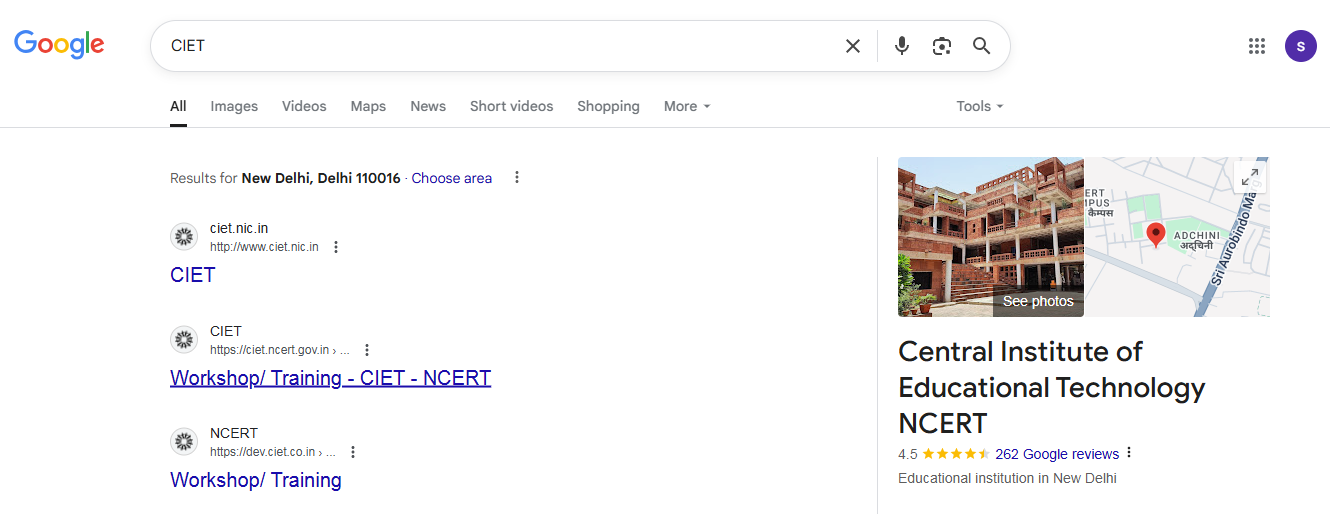


  1. Choose the “Initiatives” tab given on the top.


  1. Choose MOOCs on SWAYAM from the drop down or by clicking on this link  https://ciet.nic.in/swayam-moocs.php?&ln=enMOOCs webpage will open.


  1. Click on the Course name to join the course.
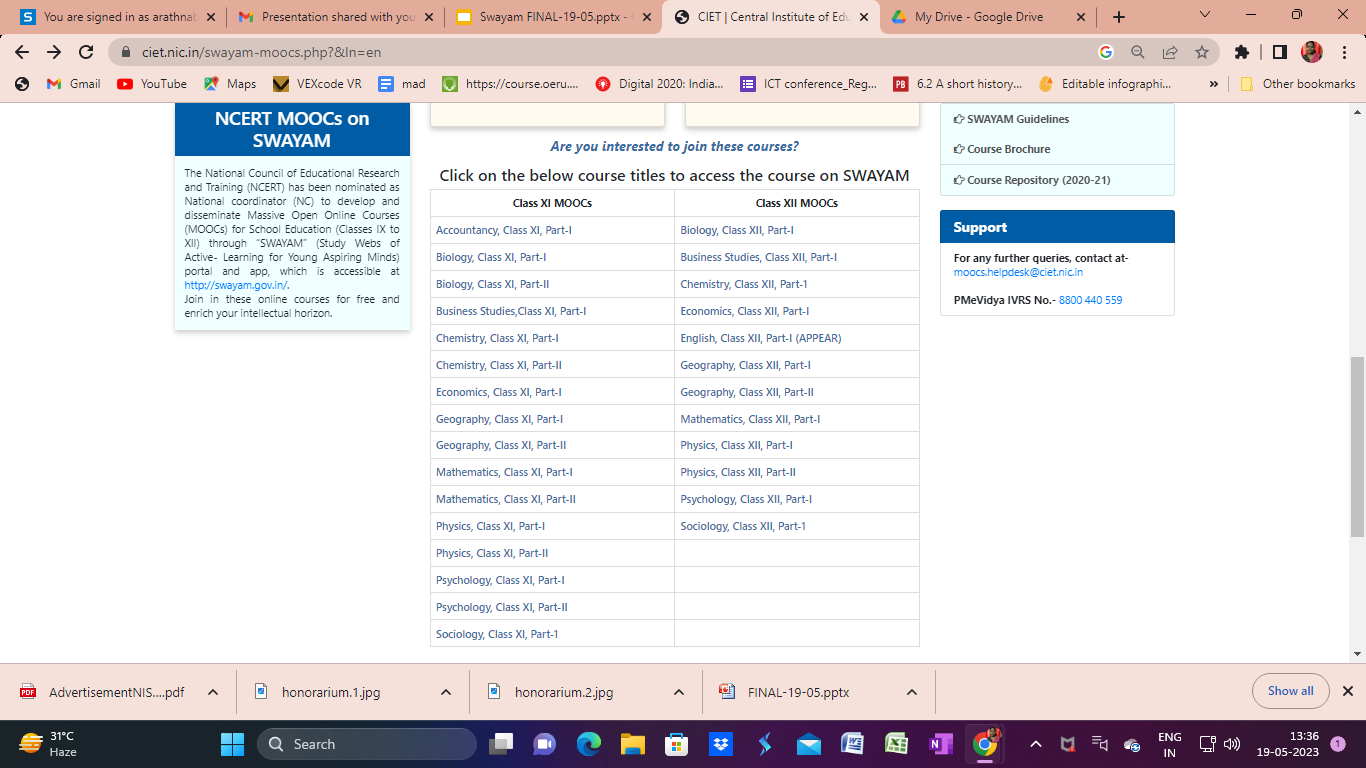
 Or Click on the following inks or scan the QR codes


Course Title

Course Link

QR Code

Accountancy XI Part-I

https://onlinecourses.swayam2.ac.in/nce25_sc29/preview


Biology XI Part-I

https://onlinecourses.swayam2.ac.in/nce25_sc30/preview


Biology XI Part-II

https://onlinecourses.swayam2.ac.in/nce25_sc31/preview 


Biology XII Part-I

https://onlinecourses.swayam2.ac.in/nce25_sc32/preview


Business Studies XI Part-I

https://onlinecourses.swayam2.ac.in/nce25_sc33/preview 


Business Studies XII Part-I

https://onlinecourses.swayam2.ac.in/nce25_sc34/preview


Chemistry XI Part-I

https://onlinecourses.swayam2.ac.in/nce25_sc35/preview 


Chemistry XI Part-II

https://onlinecourses.swayam2.ac.in/nce25_sc36/preview


Chemistry XII Part-I

https://onlinecourses.swayam2.ac.in/nce25_sc37/preview


Economic XI Part-I

https://onlinecourses.swayam2.ac.in/nce25_sc38/preview


Economic XII Part-I

https://onlinecourses.swayam2.ac.in/nce25_sc39/preview


English XII Part-1: Annual Preparatory Programme for Enhancement in Academics and Revision (APPEAR)

https://onlinecourses.swayam2.ac.in/nce25_sc40/preview


Geography XI Part-I

https://onlinecourses.swayam2.ac.in/nce25_sc41/preview


Geography XI Part-II

https://onlinecourses.swayam2.ac.in/nce25_sc42/preview


Geography XII Part-I

https://onlinecourses.swayam2.ac.in/nce25_sc43/preview


Geography XII Part-II

https://onlinecourses.swayam2.ac.in/nce25_sc44/preview


Mathematics XI Part-I

https://onlinecourses.swayam2.ac.in/nce25_sc45/preview


Mathematics XI Part-II

https://onlinecourses.swayam2.ac.in/nce25_sc46/preview


Mathematics XII Part-I

https://onlinecourses.swayam2.ac.in/nce25_sc47/preview


Physics XI Part-I

https://onlinecourses.swayam2.ac.in/nce25_sc48/preview 


Physics XI Part-II

https://onlinecourses.swayam2.ac.in/nce25_sc49/preview


Physics XII Part-I

https://onlinecourses.swayam2.ac.in/nce25_sc50/preview


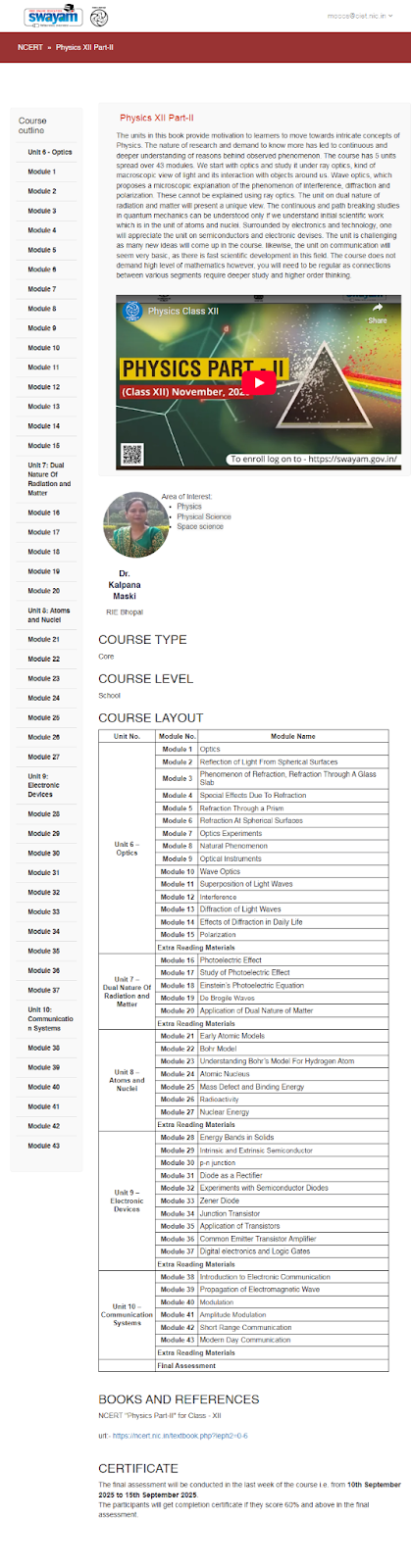
Physics XII Part-II

https://onlinecourses.swayam2.ac.in/nce25_sc51/preview


Psychology XI Part-I

https://onlinecourses.swayam2.ac.in/nce25_sc52/preview


Psychology XI Part-II

https://onlinecourses.swayam2.ac.in/nce25_sc53/preview


Psychology XII Part-I

https://onlinecourses.swayam2.ac.in/nce25_sc54/preview


Sociology XI Part-I

https://onlinecourses.swayam2.ac.in/nce25_sc55/preview


Sociology XII Part-I

https://onlinecourses.swayam2.ac.in/nce25_sc56/preview


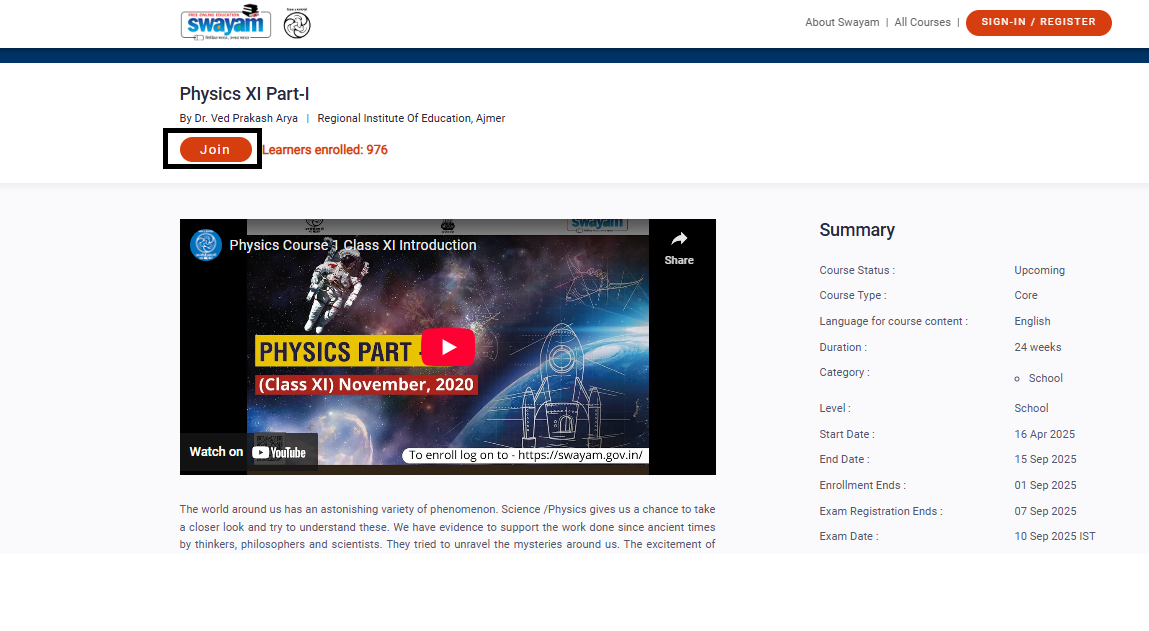
  1. Click on “Join” button to register in the course


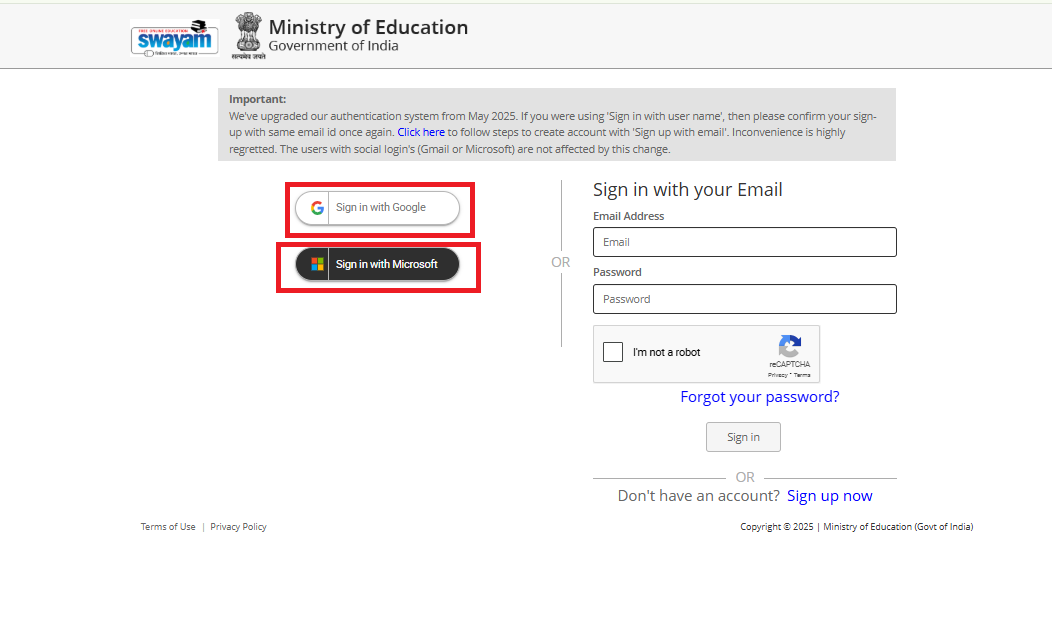
  1. Login/ Sign in with gmail or  with Microsoft account.


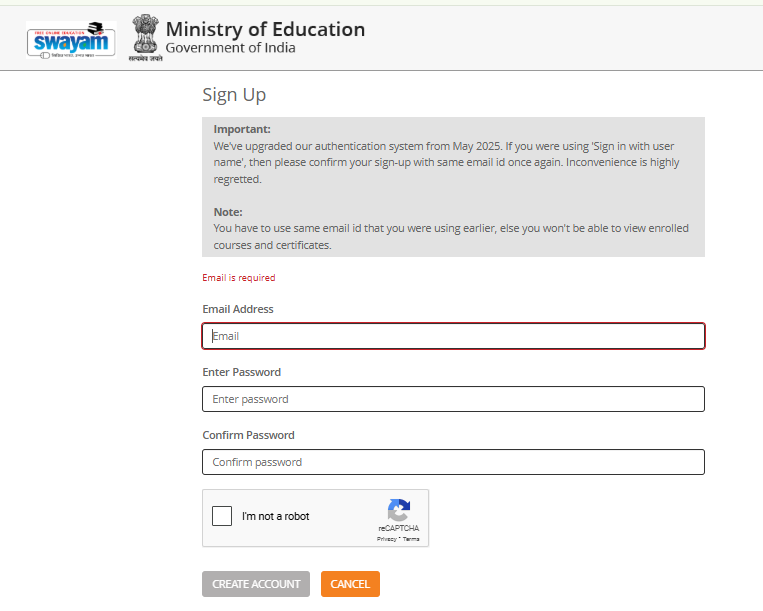
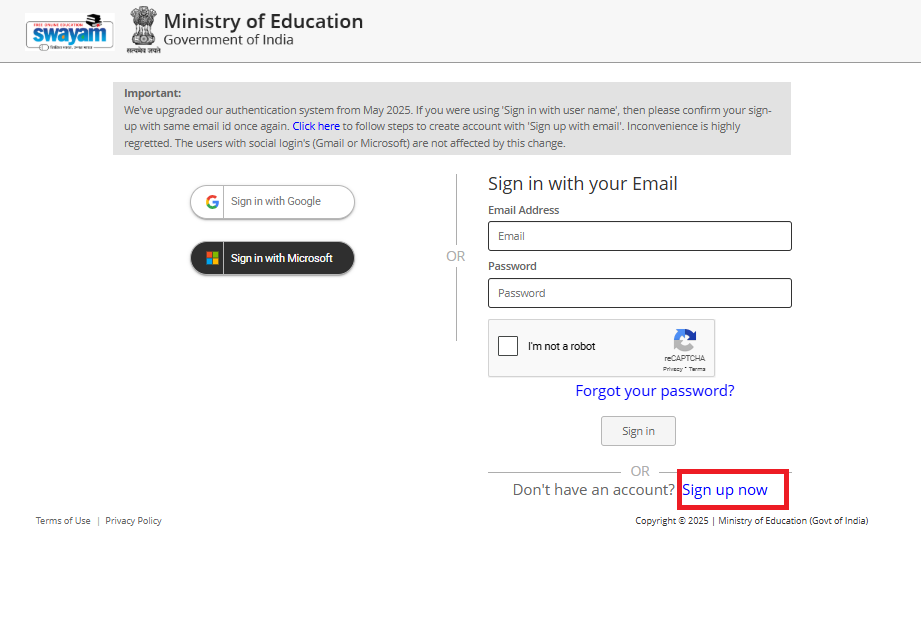
Or Sign Up 


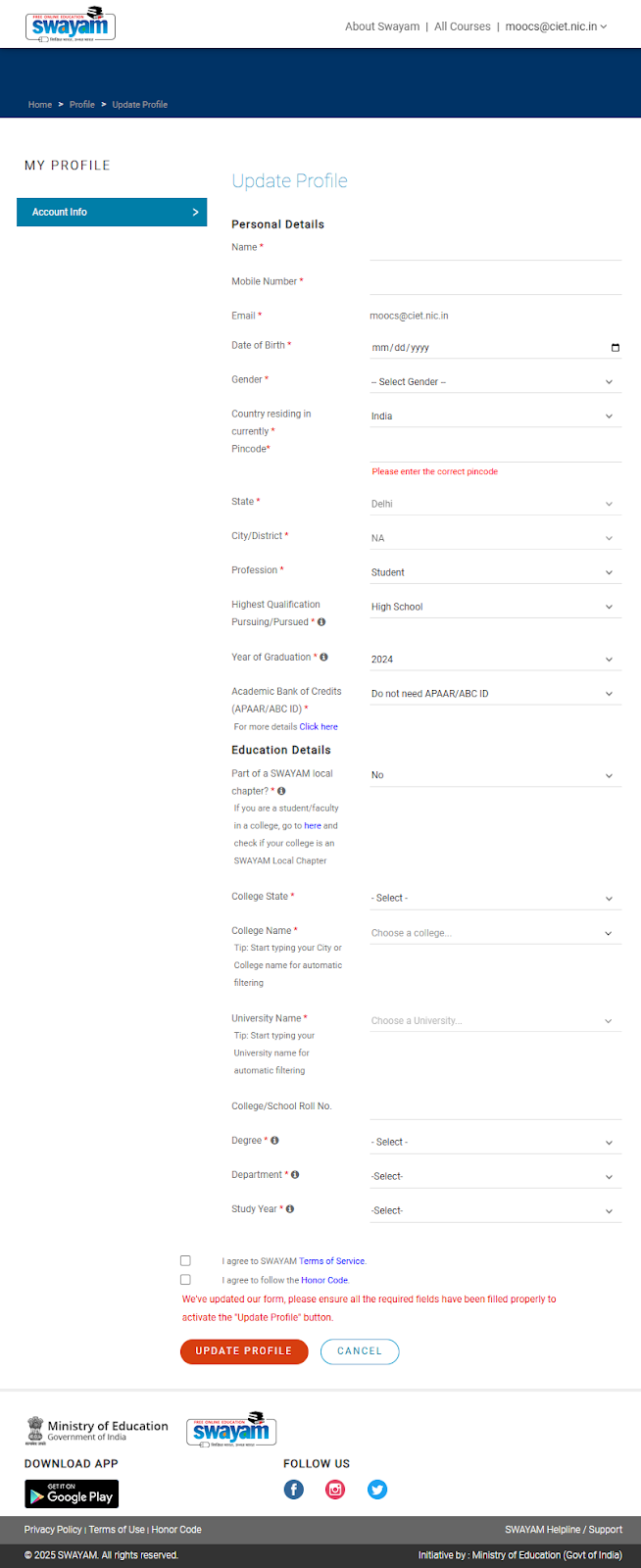
  1. Fill in all the details in the registration form to join the course. Tick the check boxes to agree the terms and conditions and click on the “Update profile and join the course”.

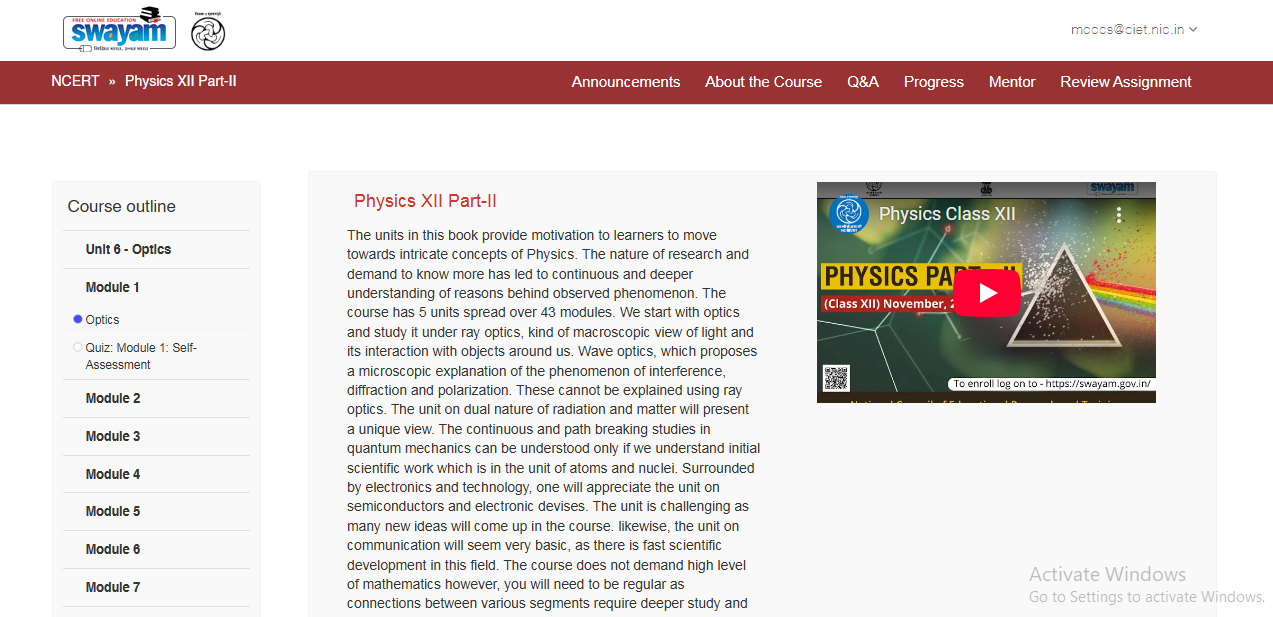
  1. Course is joined and learners can start learning the course.

Once enrolled, you can access videos, reading materials, quizzes, and assignments through your dashboard.